 Display Toggle
macOS menu bar utility
Display Toggle
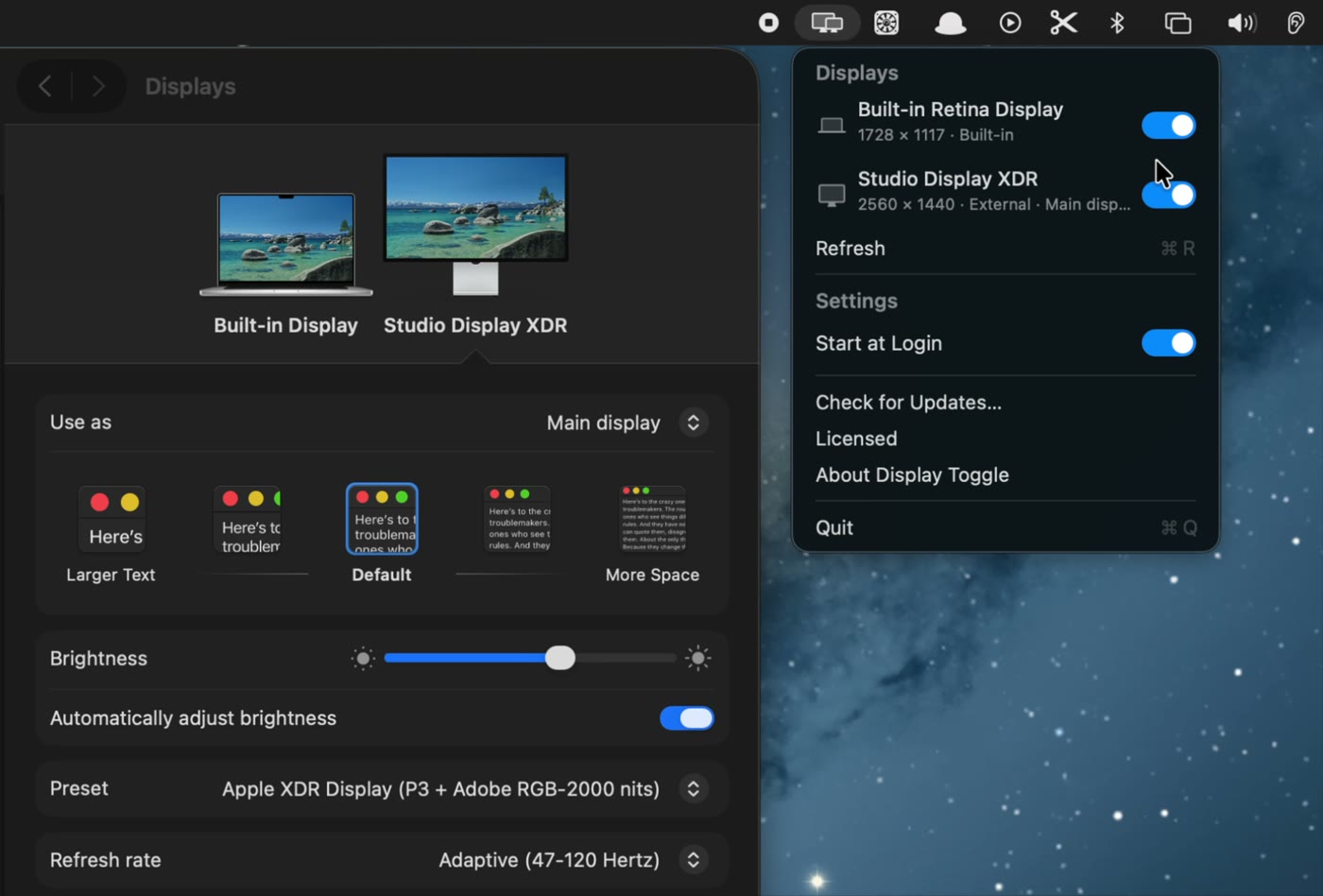
Disconnect or reconnect a display from the menu bar. Keep your MacBook open while using only an external monitor.
macOS 13 or later · Apple silicon and Intel
Features
Disconnect and reconnect
Control a display directly from the macOS menu bar.
Start at login
Open Display Toggle automatically when you sign in to your Mac.
Reconnect anytime
Displays turned off by Display Toggle stay in the menu so you can turn them back on.
Demo
A 9-second recording of the built-in display being disconnected and reconnected.
Trial and pricing
Try every feature free for 14 days. After the trial, Display Toggle costs $5 once.
Buy License — $5- No account or payment card for the trial
- Personal license for up to 3 Macs
- Includes Display Toggle updates through version 2.x
- No subscription
Requires macOS 13 Ventura or later